Migrating VPS's Was Surprisingly Easy
I own a lot of servers (And a lot of old servers/laptops) but still have a VPS so I don't have to worry about leaking my IP, setting up secure access with VPNS, etc
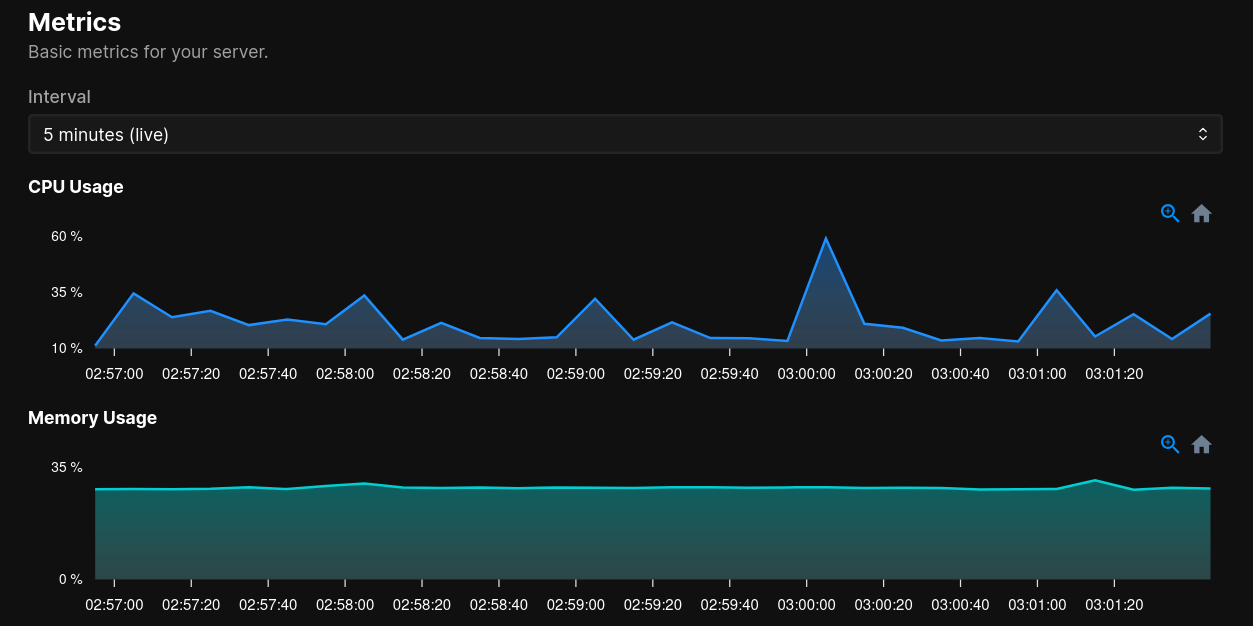
I host this website, my home page, and a few other small sites on a small digital ocean droplet. It's been chugging along fine for years but I finally looked around newer droplets/vps specs and realized I was overpaying for very slow hardware. I took it as an opportunity to try another provider out, switch PaaS's I was using, and see how painful it would be to switch everything.
Short answer, very easy!
Digital Ocean -> Vultr
Vultr was on my list for a while to check out, they used to have some of the cheapest VPS's for $2.50 or so. I opted for a machine with
- 1 VCPU (epyc)
- 2GB of ram
- 50GB of NVME
Which is still overkill, for about $14. I might host other/more apps in the future so I wanted it to be a bit more than their basic VPS. A huge upgrade over my old machine for slightly double the price. Very easy to sign up and spin up, just make sure you enable and create a firewall for your VPS, as well as set up backups.
Dokku -> Coolify
I was previously running on Dokku with a version that was very old and wanted to see what's new. Most things pointed to Coolify. I didn't mind Dokku's non UI but having one would be nice. Luckily Vultr has a one click installation for it.
After that, it took maybe 10 minutes to use Coolify's git install option, point it to my dockerfiles, then have them spin up. Switching CNAME records in Cloudflare and sub domain routing took maybe 30 minutes max after reading their docs.
Setting up auto deployments was a breeze as well - Coolify supports many ways to kick off a build, and the easiest was webhooks. I use GitLab and setting up a custom token / saving it in GitLab took a few minutes. After dealing with CI/CD at work all the time I'm glad to use something simple!